
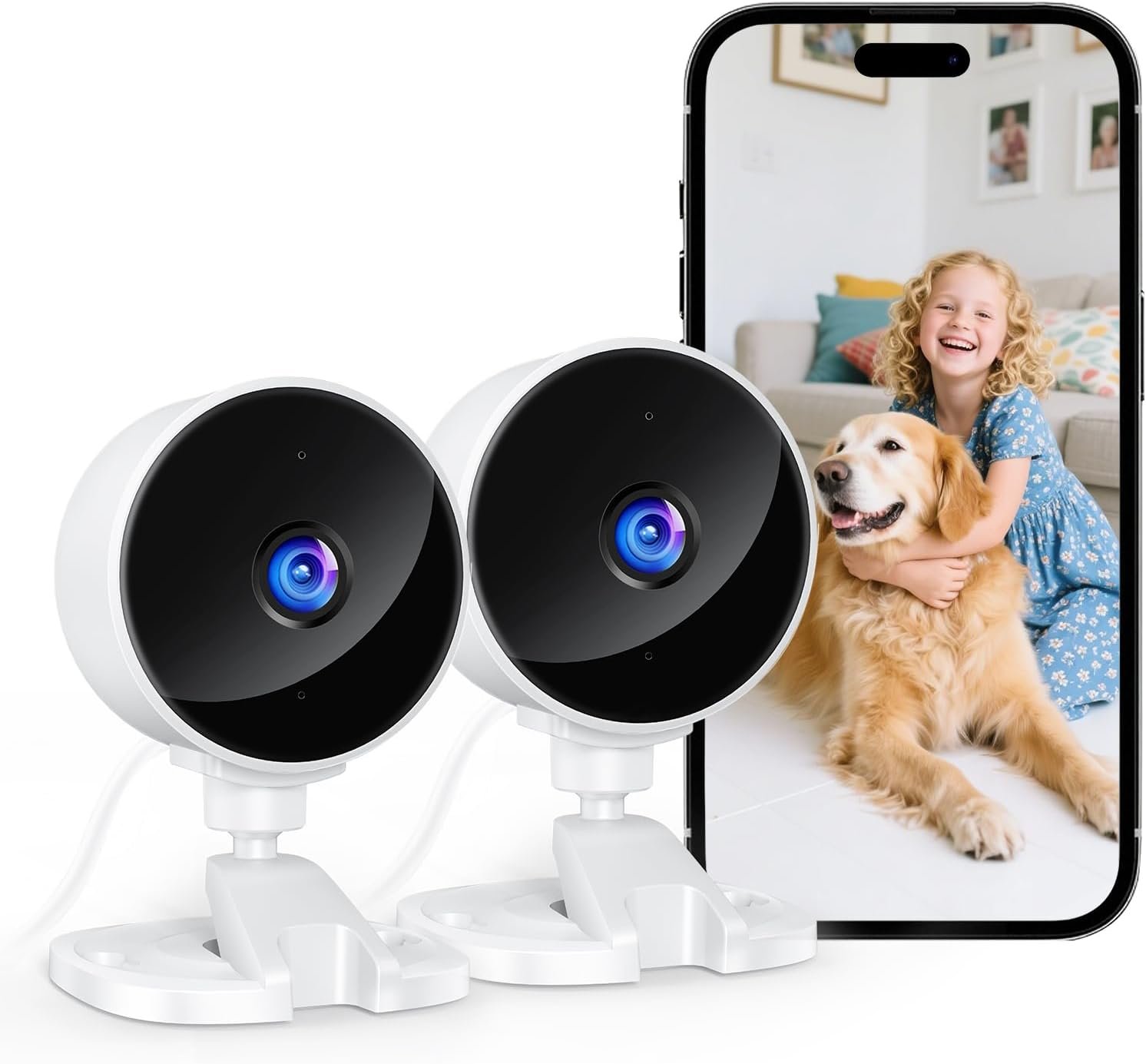
YOTON Indoor Security Camera for Baby Monitor, Home & Pets, 2.4GHz WiFi with Motion Detection, Night Vision, 2-Way Audio, Works with Alexa & Google Home, Local Storage or Optional Cloud, WS01(2-Pack)
$17.97
Related Products
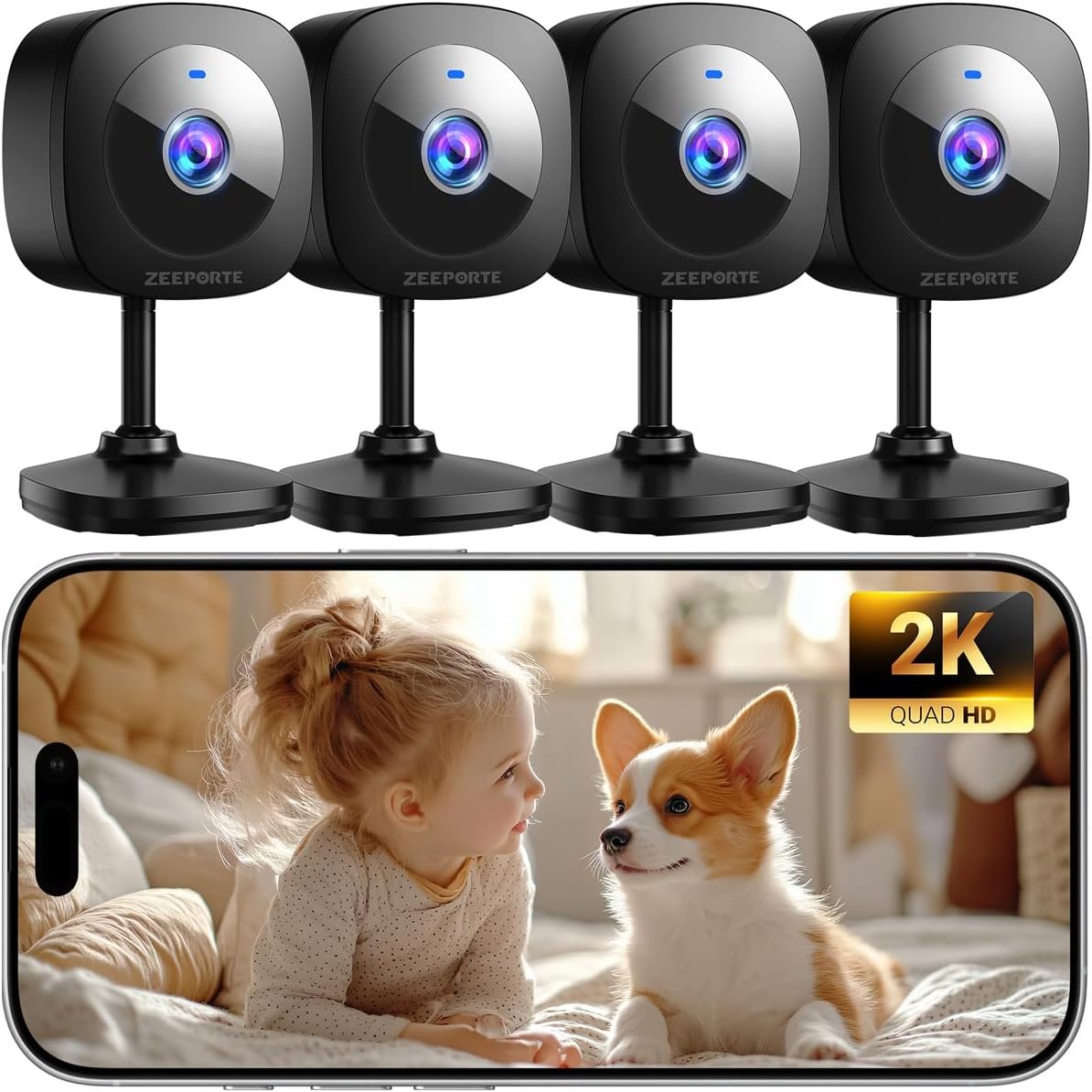
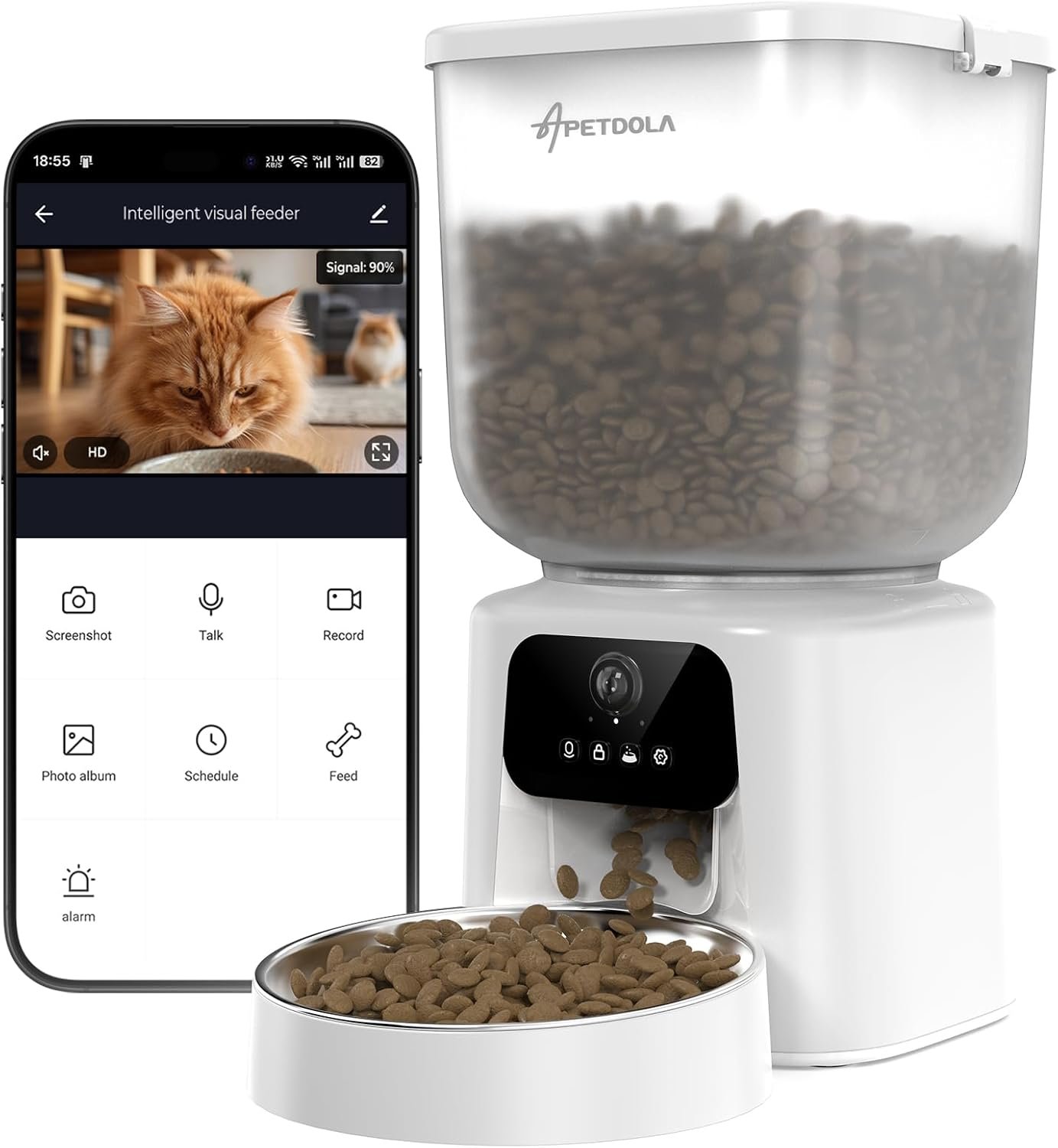
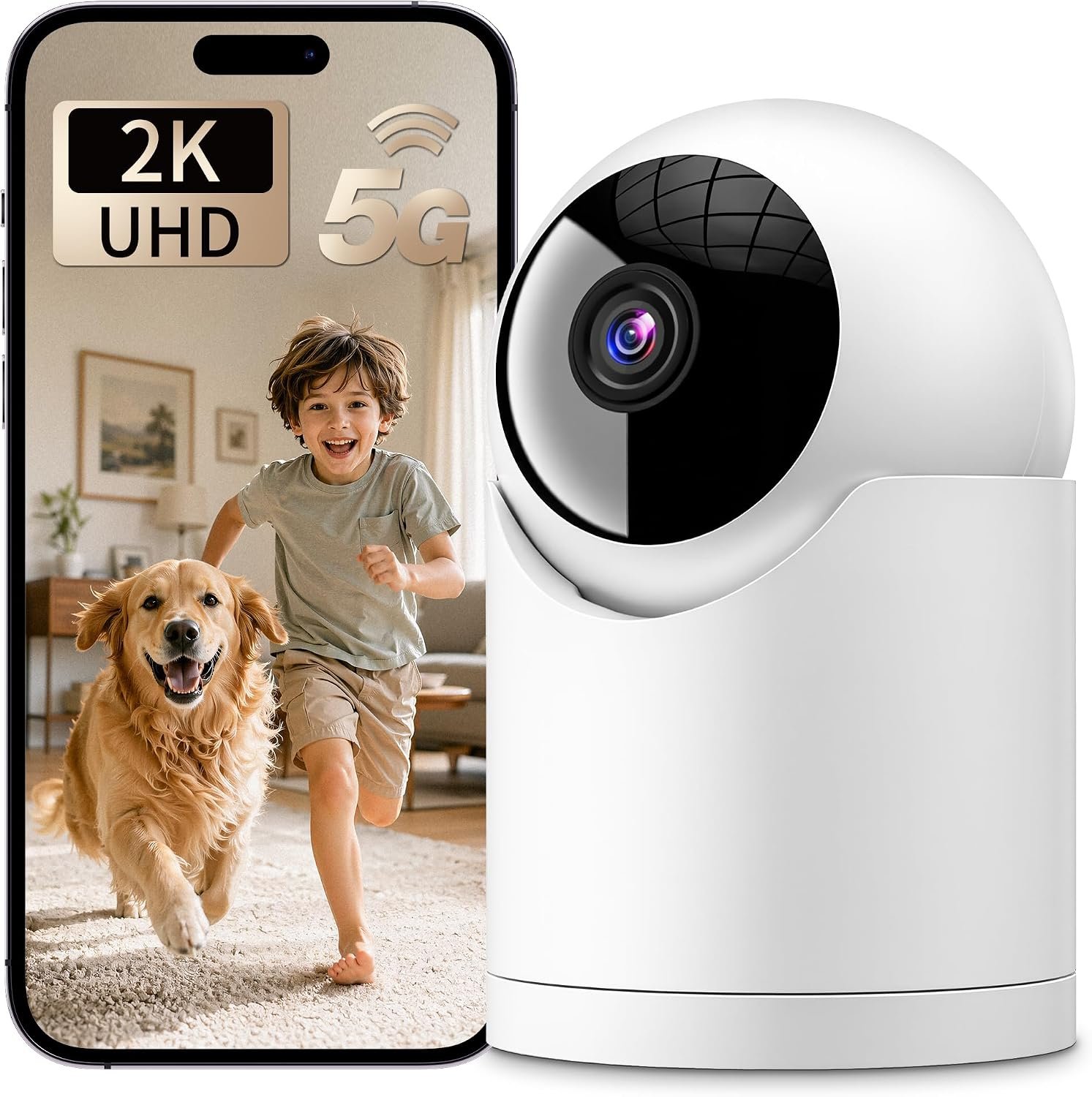
![Furbo [New Mini 360° Camera + Mini Cam [New Subscription Required at Setup] (2-Camera Bundle Nanny Subscription): Pet Safety Alerts, Dog & Cat Cameras with Speaker, Phone App & Night Vision](https://pawsitivepicks.com/wp-content/uploads/2026/08/71orm4L7SCL._AC_SL1500_.jpg)



Product description
Smart Security, Effortless Control 


Unable to connect the camera to Wi-Fi during setup?
1. Turn on the phone’s Wi-Fi &BT, then connect to a 2.4GHz Wi-Fi
2. Download the Osaio app to connect to the WS01 camera
3. Place the camera near your router
4. Check if the indicator light flashes red twice per second. If not, reset the camera
Are both storage methods freely selectable?
Local Storage: Supports 128GB Card Storage (Not Included)
Cloud Storage: You can enjoy a 14-day free trial of cloud storage. After 14 days, you can choose to continue your subscription or cancel it.
How to cancel cloud subscription?
1. Select the camera on the Osaio app’s Camera page
2. Tap the settings button in the top-right corner
3. Locate Storage and disable the cloud storage service
How do I use it with Alexa?
1. Make sure Osaio and Amazon Alexa are installed
2. Open the Alexa app, tap the”+” → select”Device” →Search “Osaio” →Go to the skill store→ENABLE TO USE
3. Enter your Osaio user account and password→ Tap “Link Now”→Tap “Authorize”
How to turn off Sound Detection?
Camera Settings page→ Detection→ Sound Detection, OFF
Keep an eye on what you love
Wi-Fi
2.4G Support
Wi-Fi
2.4G/5G Support
Wi-Fi
2.4G Support
Night Vision
Black-and-white Image
Night Vision
Black-and-white Image
Night Vision
Color Image
Screen Resolution
1080P
Screen Resolution
2K Full HD
Screen Resolution
1080P
Camera Rotation
Fixed Angle
Camera Rotation
355° Rotation
Camera Rotation
355° Rotation
Waterproof Rating
/
Waterproof Rating
/
Waterproof Rating
IP66
WS01 Indoor Camera Details
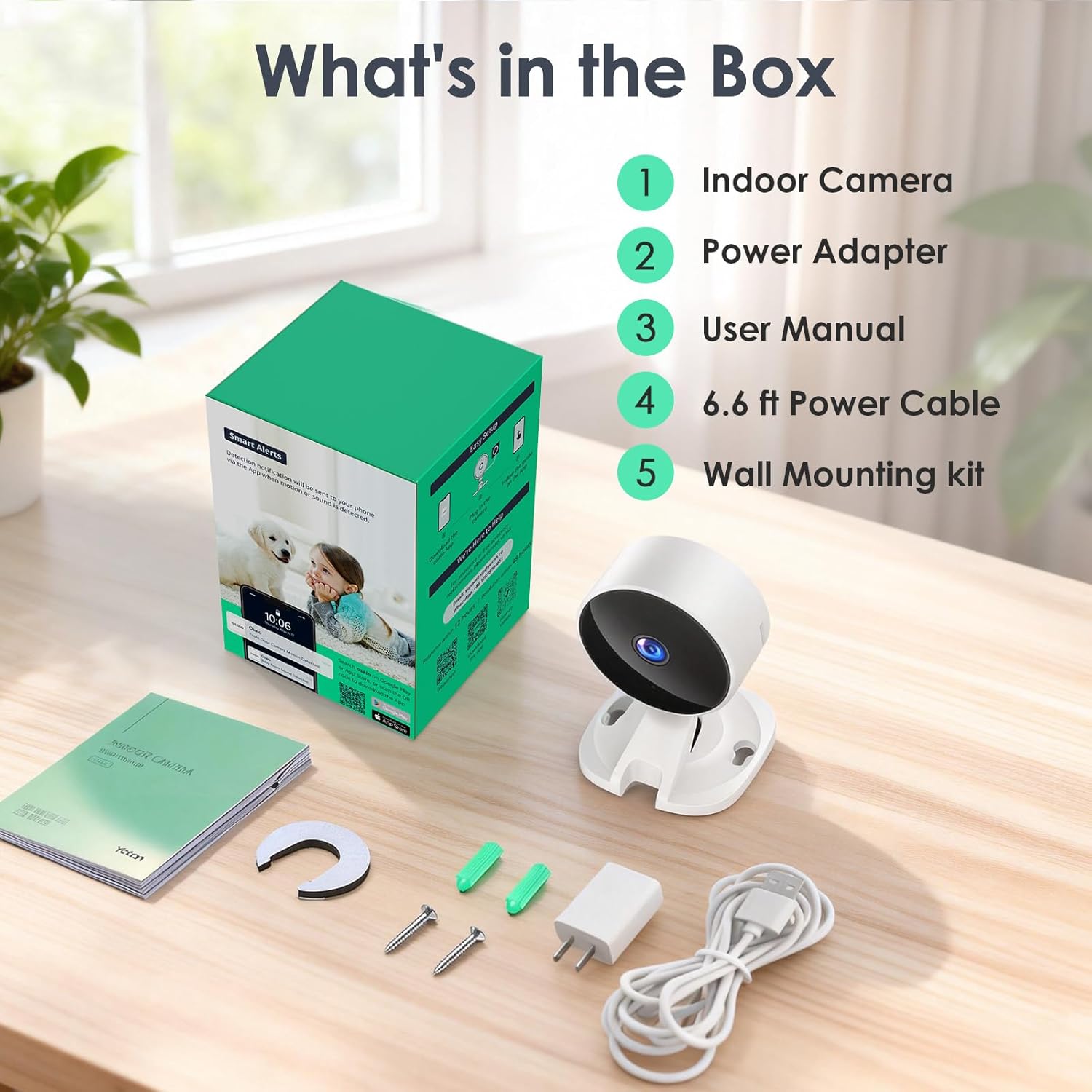
Field of view 88° diagonal Camera resolution 1080p Camera frame rate 15fps Size 6.50*7.00*9.00cm Weight 57g (camera only) Electrical Rating Plug-in. 100-240V, 50/60Hz Wi-Fi Connectivity 2.4GHz, 802.11b/g/n App Osaio(Not compatible with other apps) Minimum phone requirements iOS 10.0, Android 5.0 Audio 2-way audio Included in the box WS01 Indoor Camera; Instruction Manual; Power Adapter; Charging Cable; Wall Mounting Kit After-sales Service 2 Years Cloud video storage 14-day Free Trial Local Storage Supports SD cards up to 128GB (not included in product packaging)
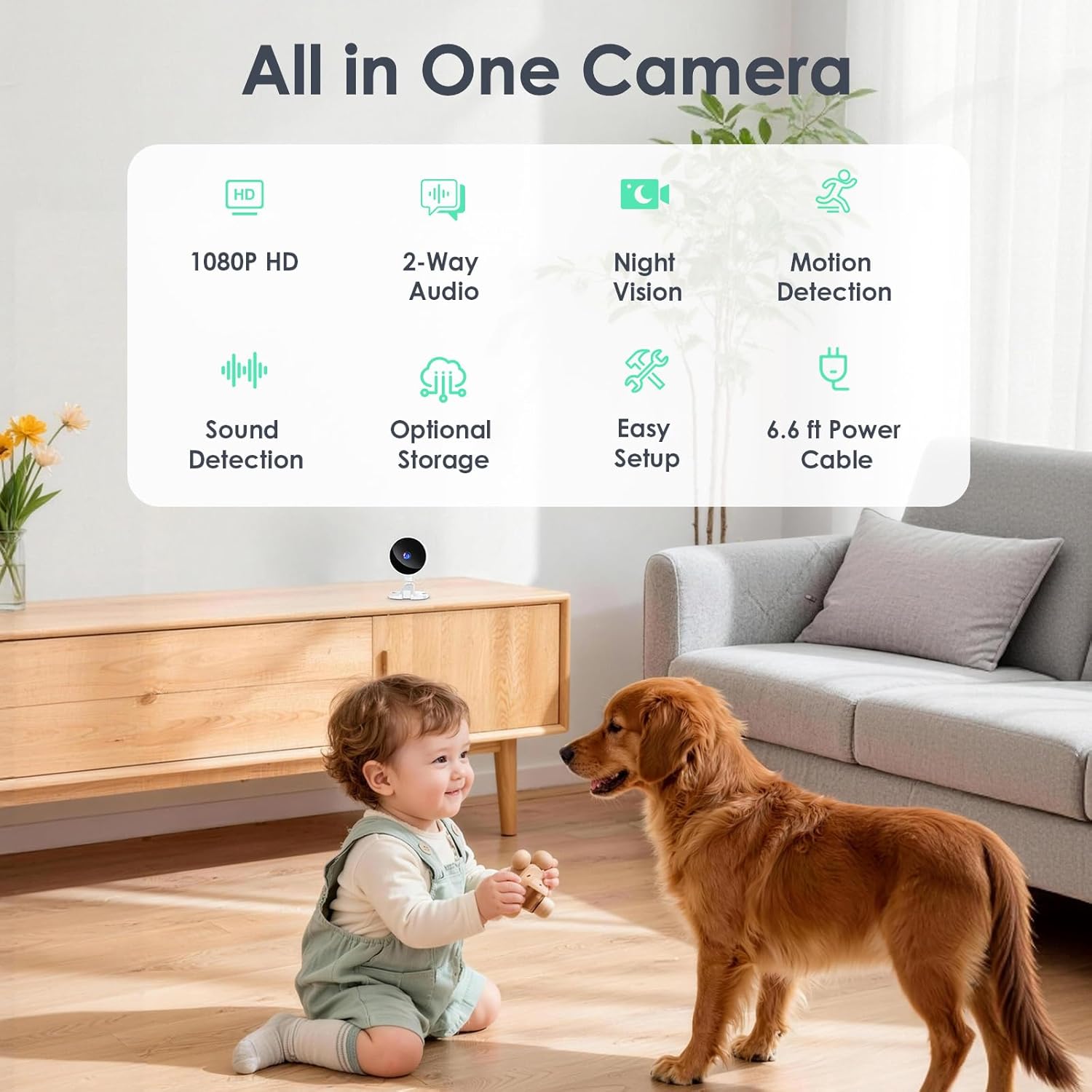
【Easy Setup & Baby Care】Simply plug in the power, download the Osaio app, and connect to a 2.4GHz Wi-Fi network. You can set up the indoor camera in any room you need—like the living room, entryway, nursery, pet room, kitchen, or office
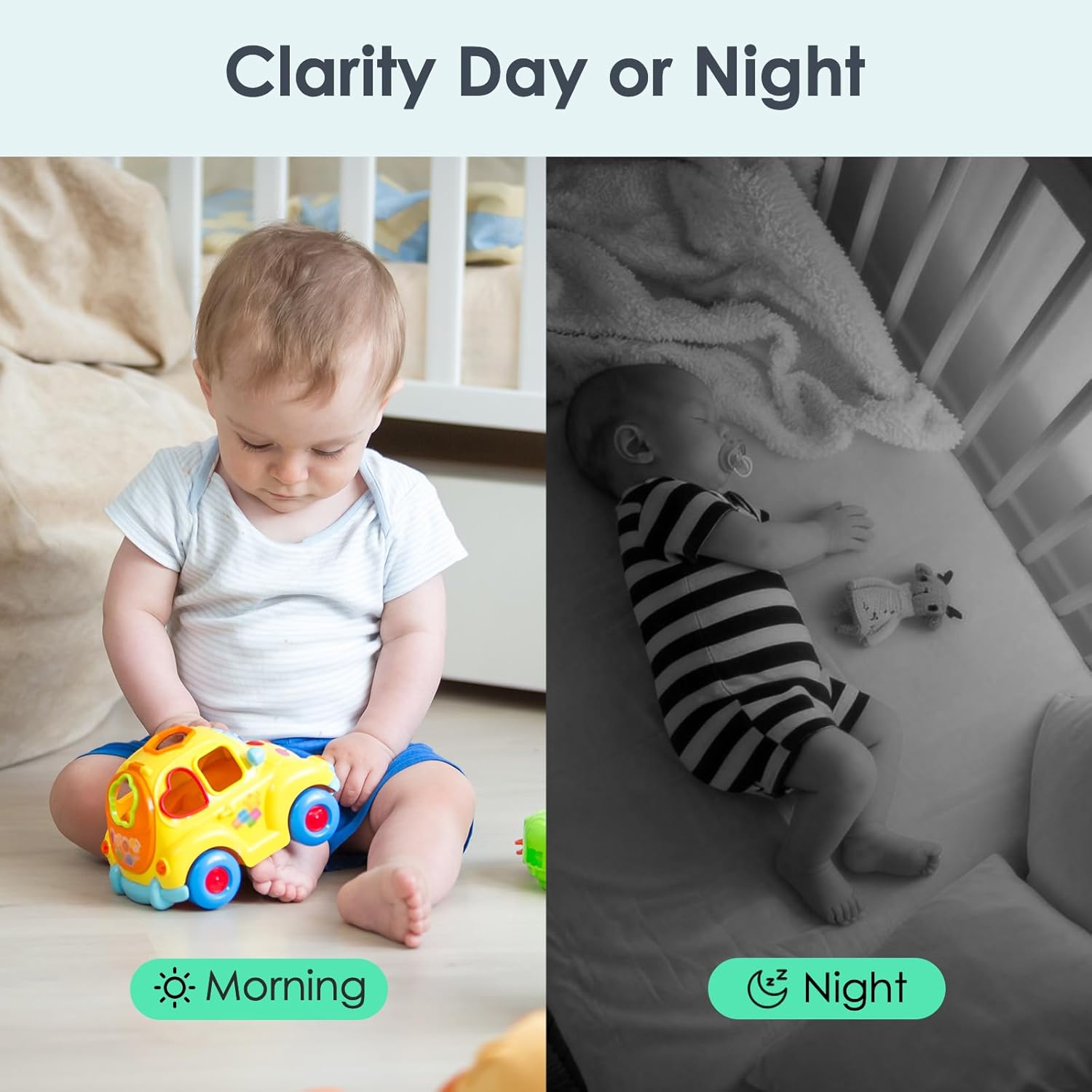
【24/7 Monitoring & Privacy Mode】The 1080p HD camera features IR Night Vision with a range of up to 33 feet. The IR LED lights can be turned off manually to avoid disturbing your baby or dog’s sleep. Want extra privacy? Just tap in the app to turn the camera off completely
【Two-Way Talk & Real-Time Interaction】Use the phone app to speak and interact with your little ones or pets—whether it’s soothing a crying baby or stopping your dog from chewing the couch
【Motion Detection & Sound Alerts】When motion is detected, the WS01 indoor camera sends instant notifications to your app, so you can check in anytime. You can also enable AI recognition to receive alerts only when a person, pet, package, or vehicle is spotted
【Two Storage Options & Family Sharing】Pick the storage that fits your needs: save recordings locally to a TF card (supports up to 128GB, sold separately) or use cloud storage (includes a 14-day free trial). Share access with up to 3 family members and view the camera together at the same time
13 reviews for YOTON Indoor Security Camera for Baby Monitor, Home & Pets, 2.4GHz WiFi with Motion Detection, Night Vision, 2-Way Audio, Works with Alexa & Google Home, Local Storage or Optional Cloud, WS01(2-Pack)
Add a review
$17.97
Kimberly –
Mauricio Segura –
Mariluz Munoz –
Erad R. –
Kaylie Delime –
Vivian Alfonso –
marcy –
Ren S –
Ottavia goffredo –
Matthew Quibell –
Guigui –
Sonick –
I like them and they work great ty –